Dopamine.chat vs Zapier: The Ultimate Comparison for Automation and AI Building
Dopamine.chat vs Zapier: The Ultimate Comparison for Automation and AI Building
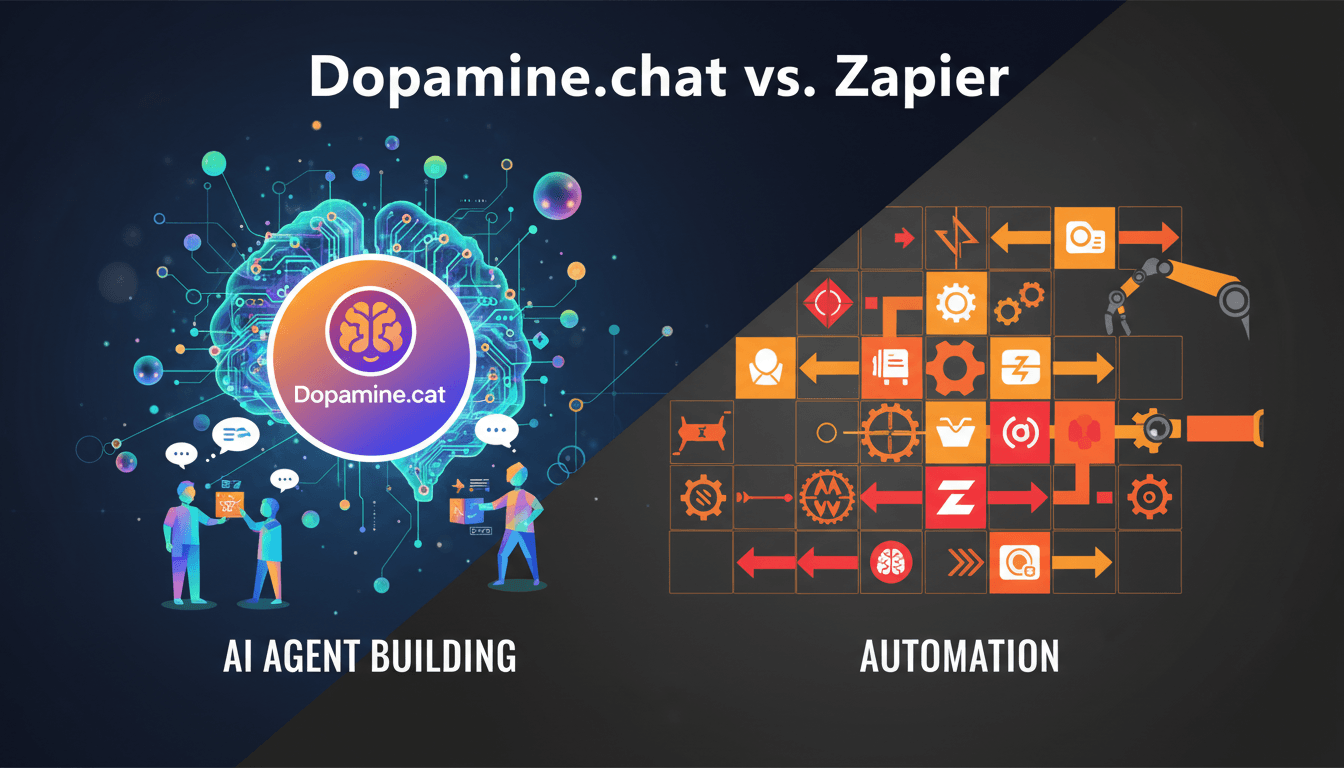
In the rapidly evolving landscape of automation and AI tools, Dopamine.chat vs Zapier presents an exciting comparison for users looking to enhance their productivity. On one side, you have Dopamine.chat, a no-code AI agent builder that allows anyone to create and deploy AI agents through natural language. On the other, Zapier excels in connecting apps for seamless automation of tasks. Let’s dive into the specifics of both platforms to see how they stack up against each other.
Understanding the Core Features
Dopamine.chat Features
Dopamine.chat shines with its user-friendly interface and a set of powerful features designed for rapid AI agent deployment:
- Agent Builder: Create agents by simply describing your goals and answering a few clarifying questions. No coding skills required!
- Personal Assistant - Dopamine Claw: Directly interact with your AI assistant via web, WhatsApp, or Telegram to orchestrate tasks.
- Automation & Triggers: Schedule agents to run at intervals or trigger them based on app events (e.g., new messages on WhatsApp).
- Workflows: Build linear multi-agent pipelines with a drag-and-drop visual canvas.
- Collaborative Features: Engage in agent debates or pit multiple agents against each other for diverse perspectives.
- Integration Compatibility: With built-in integrations for popular platforms like Google Drive, Gmail, and Slack, Dopamine.chat enhances any workflow by utilizing connected tools efficiently.
Zapier Features
Zapier is well known for its strong automation capabilities:
- App Connections: Users can connect thousands of apps for automating workflows through what are called Zaps.
- Task Automation: Each Zap runs tasks, allowing multiple workflows to be managed automatically.
- User Tiers: Starts with a free plan for 100 tasks per month, scaling up with paid plans that unlock more features and higher task limits. The Pro plan starts at $19.99/month (billed annually) for 750 tasks effectively supporting small teams and advanced workflows.
- Multi-Step Zaps: Advanced plans support multi-step flows which allow more complex automations.
Ease of Use
One of the standout features of Dopamine.chat is its no-code approach. Users can create agents by merely describing their needs, leading to immediate agent deployment without any programming knowledge. In contrast, while Zapier has an intuitive interface, users still must navigate through various configurations, which can be more time-consuming, especially for non-technical users.
Pricing Structure
Dopamine.chat Pricing
- Free Plan: Offers 30 credits/month, unlimited agents, plus WhatsApp and Telegram connections.
- Starter Plan: Adds more credits and integrates custom model API keys without consuming credits for tasks.
- Pro Plan: Provides 200 credits/month, priority support, and additional WhatsApp templates.
Zapier Pricing
- Free: Limited to 100 tasks/month.
- Pro Plan: $19.99/month (billed annually) upgrades task limits to 750.
- Team Plan: Starts at $69/month, accommodating shared workspaces.
Although Zapier offers a free tier, its pricing can escalate quickly based on task volume, making it less favorable for larger operations compared to Dopamine.chat’s flexible credit system that allows for broader use without escalating costs.
Conclusion: Which to Choose?
When it comes down to Dopamine.chat vs Zapier, each platform offers unique advantages depending on your needs:
- If you’re focused mainly on AI agent creation with minimal fuss, Dopamine.chat is the clear winner due to its user-friendly, no-code approach and rich feature set.
- However, if your primary need lies in complex app integrations and task automation amongst various tools, Zapier may still be a worthy consideration with its broad app connectivity.
Call to Action
Ready to get started with AI agent building? Explore more about Dopamine.chat and find out how you can transform your automation needs today!
Enjoyed this article?
Explore more from the Dopamine Blog.
Take the next step
Turn what you just read into a working agent, workflow, or integration on Dopamine.